Send a fax in seconds
Your first 20 pages are free. No subscription required. No fax machine.
20 pages free20 pages free
No credit cardNo credit card required
Delivery statusDelivery status included
Secure handlingSecure document handling
Send a fax
Add pages from any number of PDFs or images, arrange them, and send.
Drop your documents here
PDFs and images · up to 45 MB each

Quick check: Make sure you're sending to a fax number — regular phone numbers are a common cause of failed faxes. Not sure? Give the number a quick call and listen for those unmistakable fax squawks.

FAX OFTEN?
Go unlimited for $8.99/month
Unlimited sending and receiving, plus your own fax number — included for as long as you subscribe. Cancel any time.
More From FaxyFox
Perks, merch, and helpful info to get the most out of your faxing.

Fax Pages. Unlock Rewards.
- Send fax pages — they count once the fax is delivered.
- Reach a milestone and unlock a better discount.
- Your discount applies automatically at checkout, on one shirt — no code needed.
Send and receive faxes online with FaxyFox
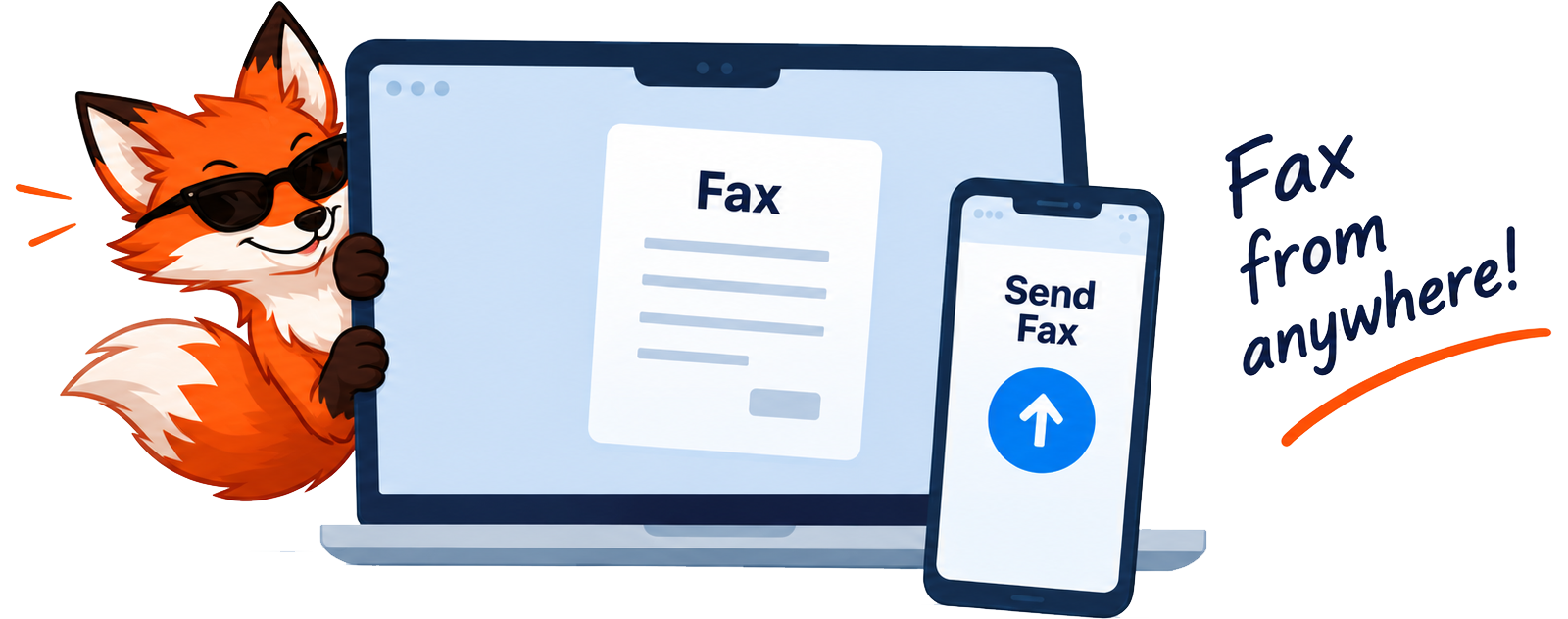
FaxyFox makes it easy to send a fax online from your phone, tablet or computer. Upload your document, enter the fax number, and we take care of the old-school fax part in the background.
No fax machine. No complicated software. Just a simple way to fax when somebody still insists on getting a fax.

Fax from your phone or computer
Use FaxyFox from your web browser on your phone, tablet, laptop or desktop. No fax machine or special software required.
How to fax from your phone →
Send PDFs and images
Upload your documents, arrange the pages, enter the recipient's fax number, and send them through a real fax network.
How to fax a PDF online →
Pay only when you need it
Your first 20 faxing credits are free. More come in packs of 20 for $1.99. Pay as you go, or choose unlimited monthly faxing if you send a lot.
How free online faxing works →Explore unlimited faxing — $8.99/month →
Receive faxes online
Need someone to fax you? Get your own FaxyFox receiving number and read incoming faxes from your account.
How to receive faxes online →
No fax machine? No problem.
FaxyFox lets you send documents through a real fax network without owning a fax machine, installing special software, or maintaining a phone line.
Upload the document from your phone or computer, enter the fax number, and FaxyFox handles the old-school fax part for you.
How to send a fax online

Upload
Add PDFs or images from your device.

Enter the fax number
Tell us where the fax needs to go.

Send
We send it in the background and show you its delivery status.
No monthly subscription required to send faxes
Some online fax services want a monthly plan even if you only ever need to send one fax. FaxyFox uses simple faxing credits instead. Fax regularly? Our $8.99/month unlimited fax plan includes sending, receiving and your own fax number — but it is a choice, never a requirement.
Credits you buy stay in your account until you use them, so you can buy more only when you need them.
1 credit
= 1 fax page
20 credits
$1.99

Need to receive a fax?
FaxyFox can also give you your own online fax number. Incoming faxes are delivered to your FaxyFox account, so you can receive documents without owning a fax machine or keeping a traditional fax line.
Receiving numbers run in 30-day periods and include 100 incoming pages. If you use up the included allowance, any available FaxyFox credits can cover further incoming pages.
Need unlimited incoming and outgoing faxes instead? FaxyFox Unlimited is $8.99/month with one receiving number included.
Why would I still need to fax something?
Fax is still used by medical offices, insurance companies, government agencies, attorneys, financial institutions and other organizations. FaxyFox lets you send documents to places that still require a fax, without keeping a fax machine around for the occasional page.


Faxy Has
Bills Too
Faxing at $1.99 a pack isn't exactly funding the fox yacht.
Faxy keeps faxing cheap, so he's taken up a side hustle: making unnecessarily awesome shirts. Grab one, keep the fax machines humming, and help maintain his suspiciously expensive sunglasses habit.
Shop FaxyFox MerchGot a funny shirt idea? Join the Creator Club →


Online fax FAQ
Yes. FaxyFox works through your mobile browser, so you can upload a document, enter the fax number and send it from your phone. See the full walkthrough for iPhone and Android.
No. FaxyFox talks to the fax network for you, so you do not need a physical fax machine or a traditional fax line to send a fax.
Yes. You can upload PDFs and supported image files directly to FaxyFox, and arrange the pages before sending. See the guide to faxing a PDF online.
Fax transmission commonly takes several minutes. Large documents, busy destinations or connection retries can make it take longer. Once it is submitted you do not need to keep the sending window open.
Eligible failed fax transmissions have their faxing credits returned automatically.
Yes. FaxyFox offers receiving fax numbers, so incoming documents can be read through your FaxyFox account.
No. You do not need a monthly subscription to send faxes with FaxyFox. Your first 20 faxing credits are free, and you can buy more in packs of 20 for $1.99 whenever you need them. Receiving fax numbers are available separately, in 30-day periods. See the full breakdown of what is free.
No. Purchased FaxyFox credits stay in your account until they are used.
Nope. Faxy is surprisingly tidy. Your faxes arrive fur-free, paw-print-free, and exactly as you sent them.
Nope. Faxy keeps things clean. Your fax arrives completely scent-free — no fox smell, no fur, no muddy paw prints.
Nope. Faxy handles the delivery, not the gossip. Your fax stays your business.
Mostly runs around looking very important. Sometimes he checks the fax machine. Sometimes he just pretends to.
Faxy's on TikTok
Short videos about a technology everyone swears is dead, from the fox who still answers its calls. Follow along for fax tips, bad hold music, and the occasional shirt.